ClearWeb
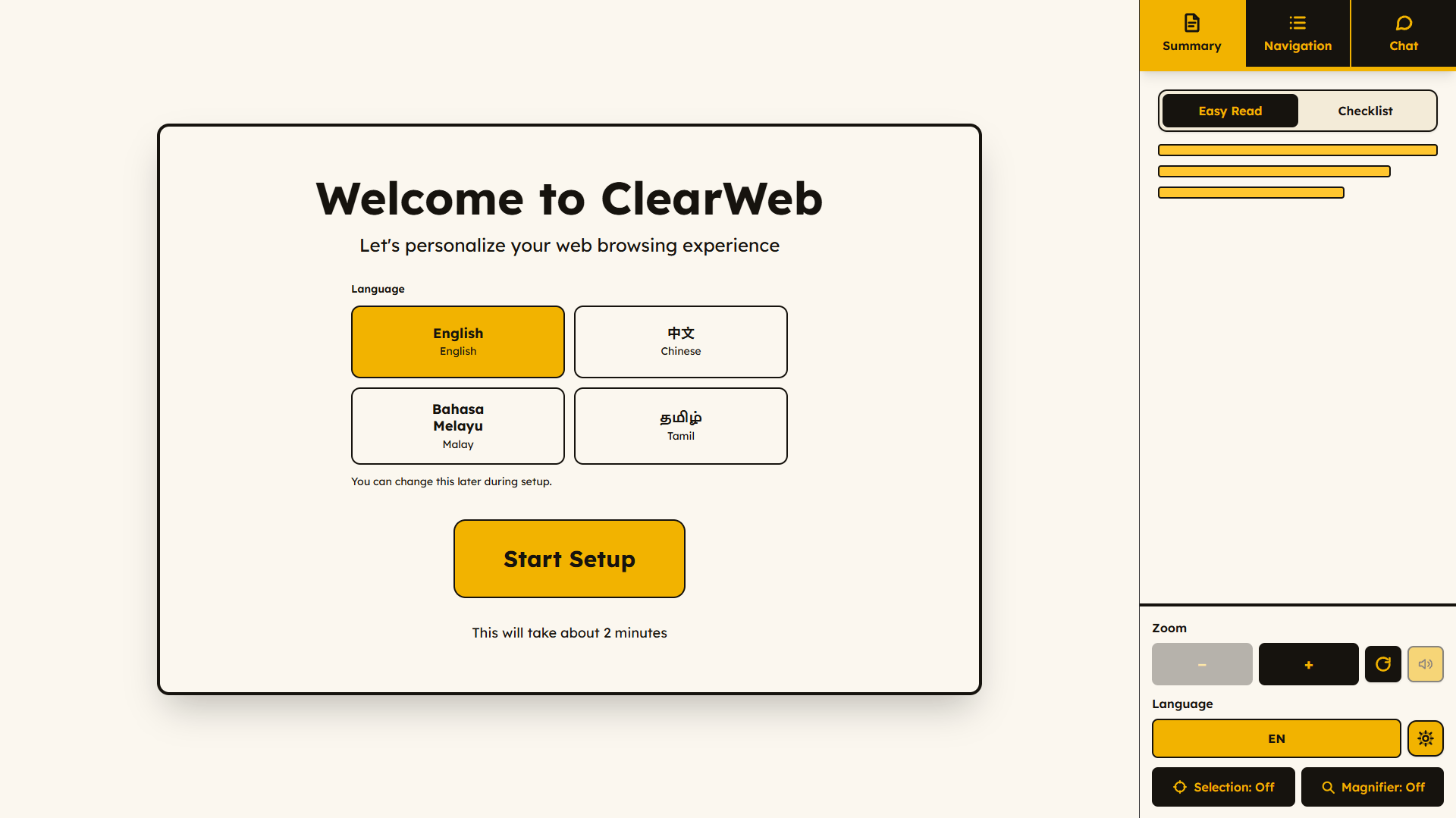
A Chrome extension that rewrites government service pages in plain language for the people they leave behind, yet needs the most.
Problem
Government service pages especially subsidies are written for people who read English fluently and see well. The people who most need those pages (i.e. older readers, people with low vision or low literacy, and speakers of Singapore’s three other official languages) are often the ones that need them the most.
Key Features
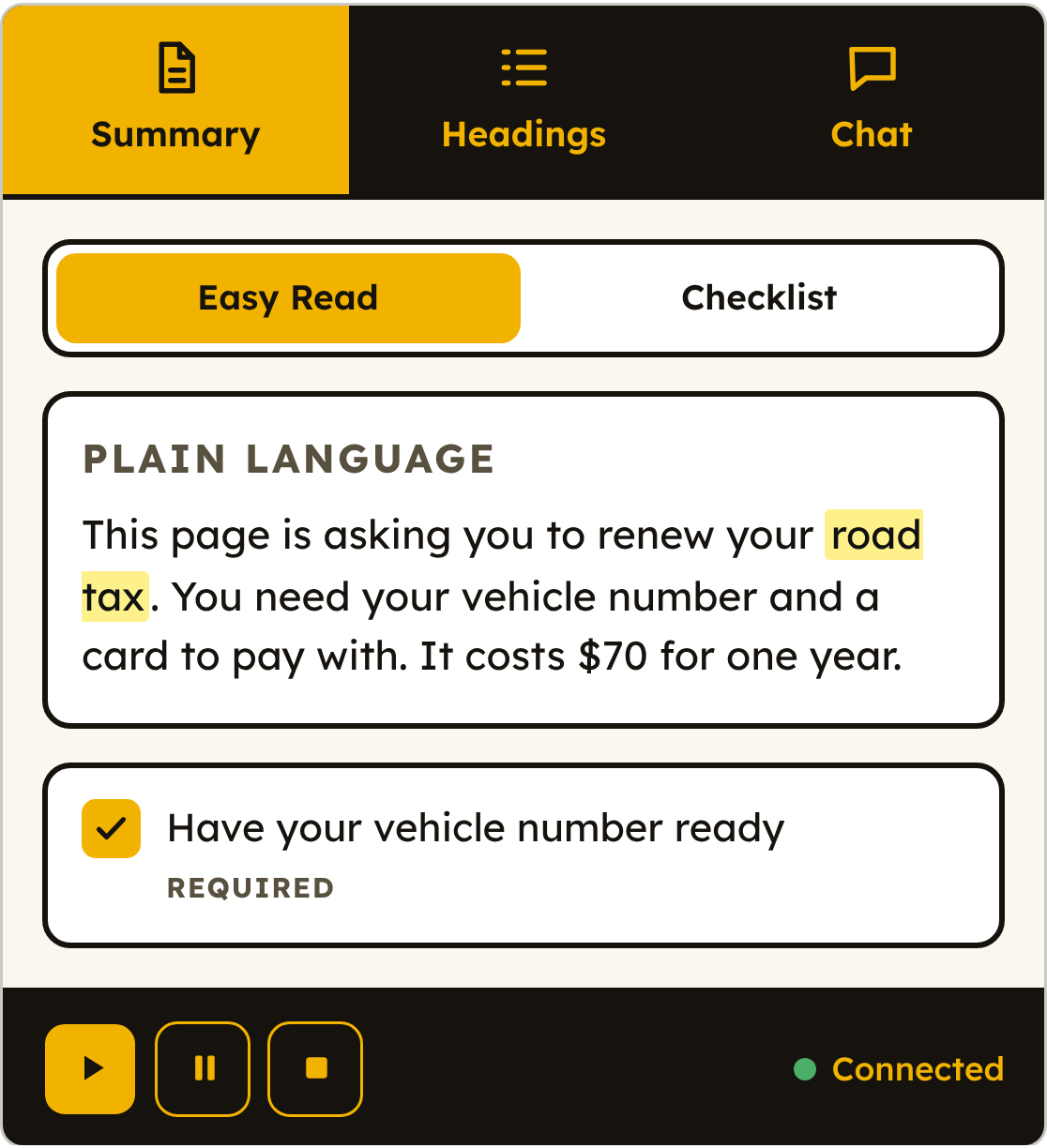
ClearWeb is a Chrome side panel that rewrites what is on screen in plain language, pulls procedures out as a checklist and magnifies or reads aloud what you point at.
Accessibility tools usually change how a page looks i.e. bigger text, more contrast, a cleaner font. On a government services page that isn’t enough as the problem is with writing and clarify of information. While government sites are generally well written, the missing gap is to bridge understanding and actionability for the one who is reading.
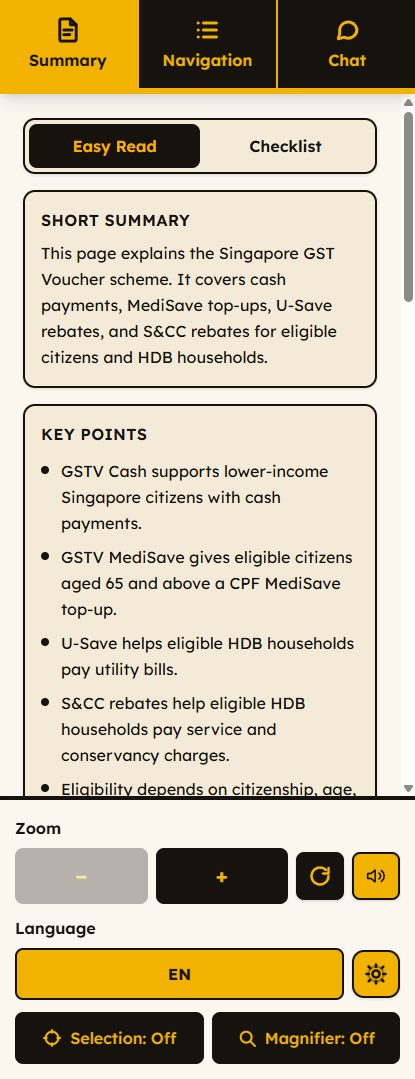
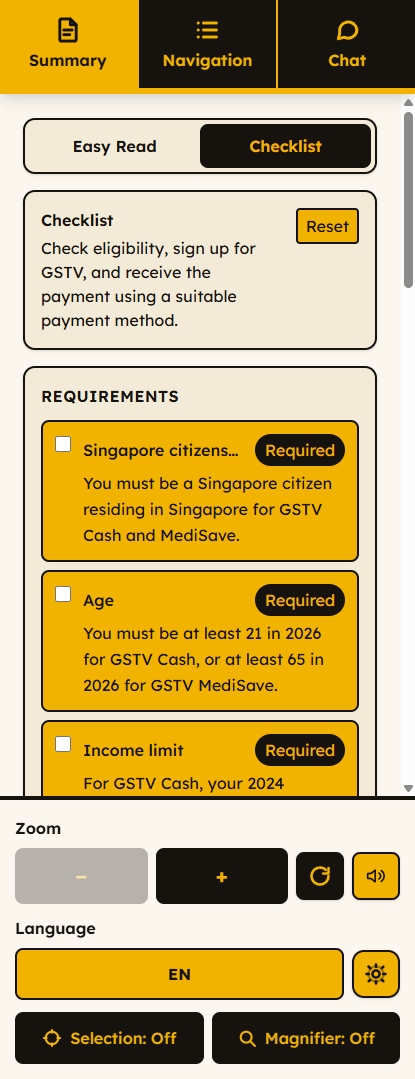
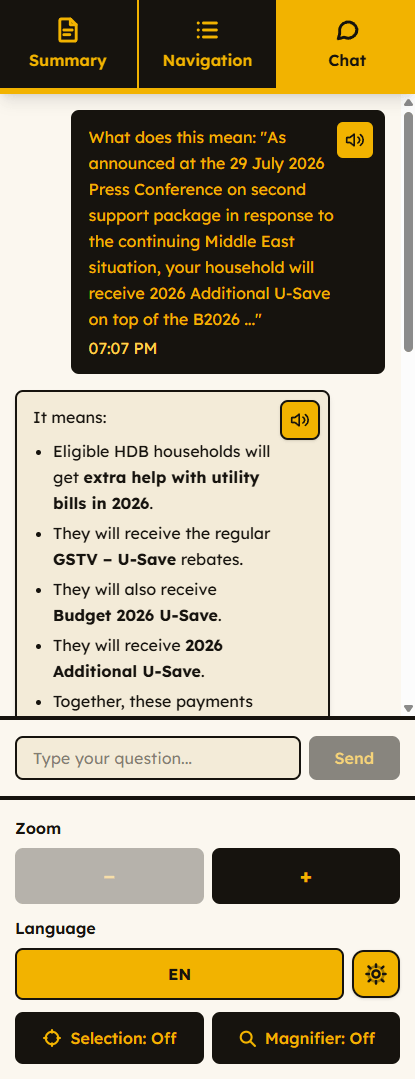
Few controls, chosen by how often they’re needed
The more choices someone faces, the longer every choice takes i.e. Hick’s law, and it affect the hardest on the readers this is for.
So each candidate control was weighed by how often a reader would actually reach for it. The magnifier and text size are always visible and sized as large targets. Read aloud, theme, language and reset are one level deeper. Nothing is hidden, but the first screen only holds what gets used constantly.
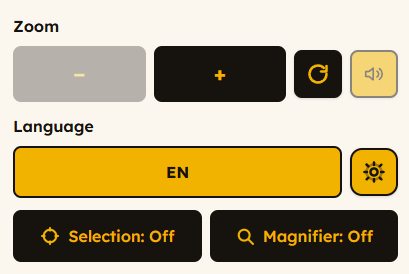
Onboarding with ease
Setup wizard: language first, then visual and reading choices with a live preview. With every choice shown on screen rather than described in words.
Legibility
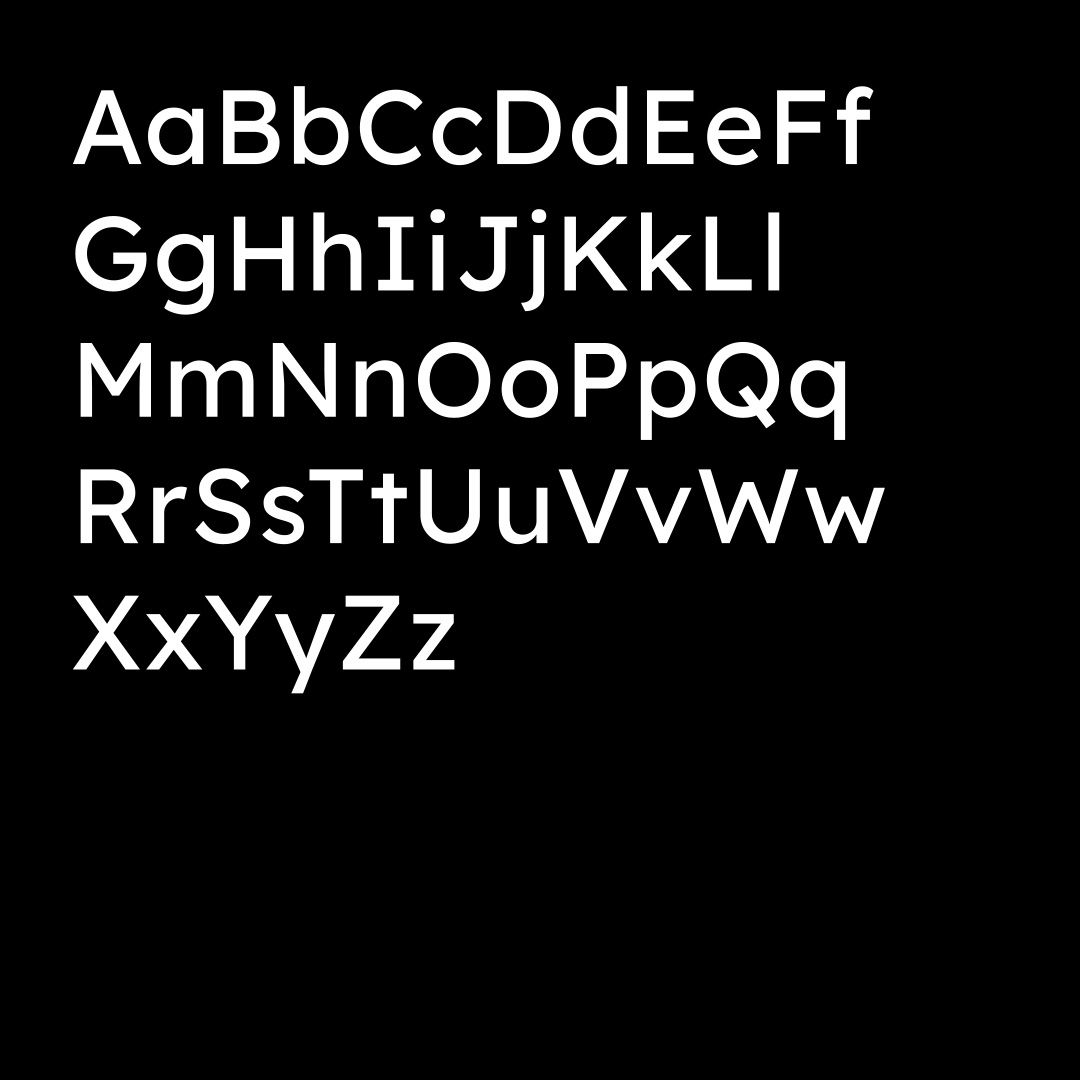
ClearWeb uses Lexend for all interface text. Lexend was designed by educational therapist Bonnie Shaver-Troup to make reading easier.
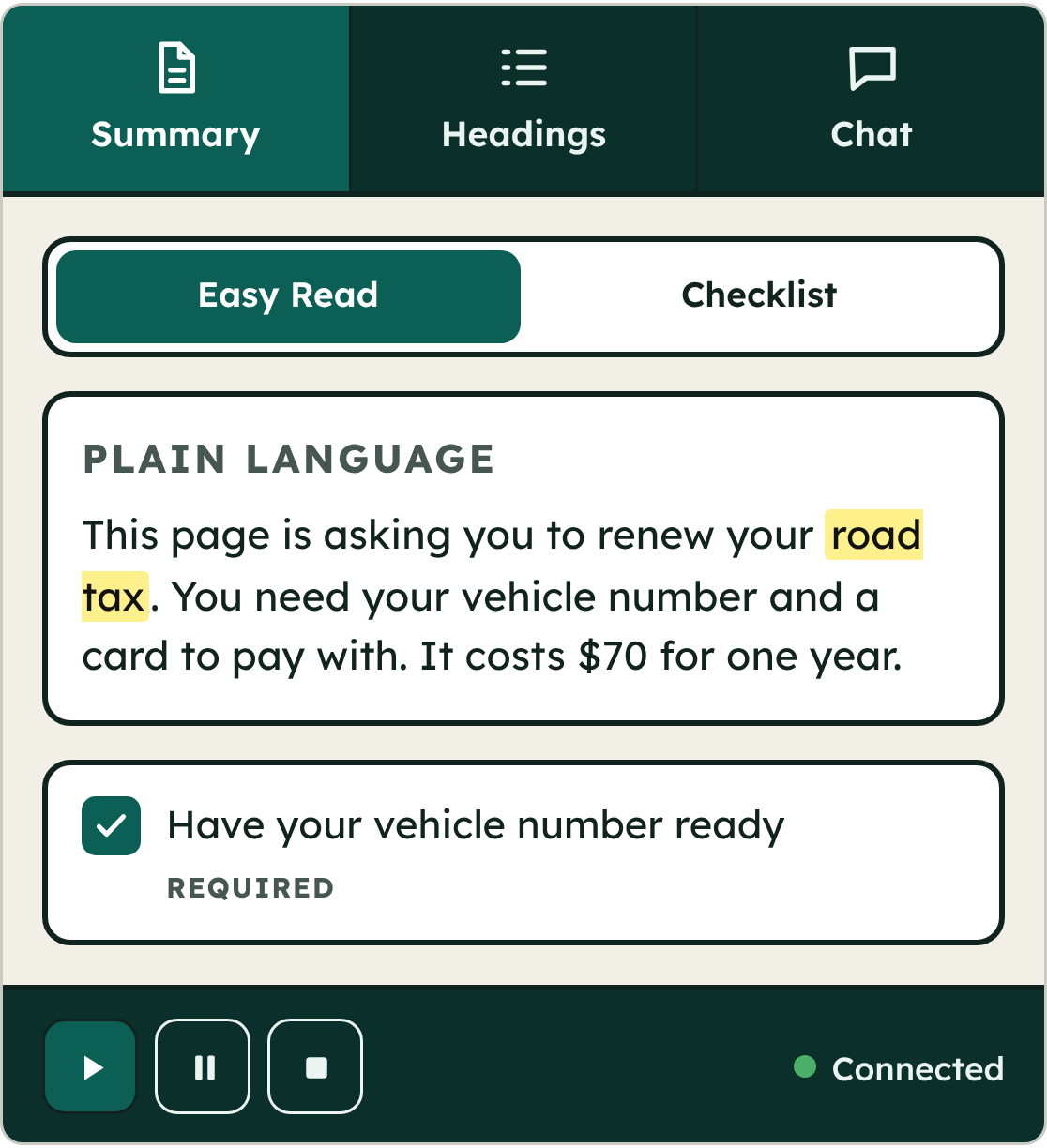
As for colour schemes, colours are meeting WCAG 2.2 AAA (7:1+) for interface text, so users can pick what is most comfortable to read without giving up accessibility. A high contrast option is also present similar to the one in the Microsoft OS.
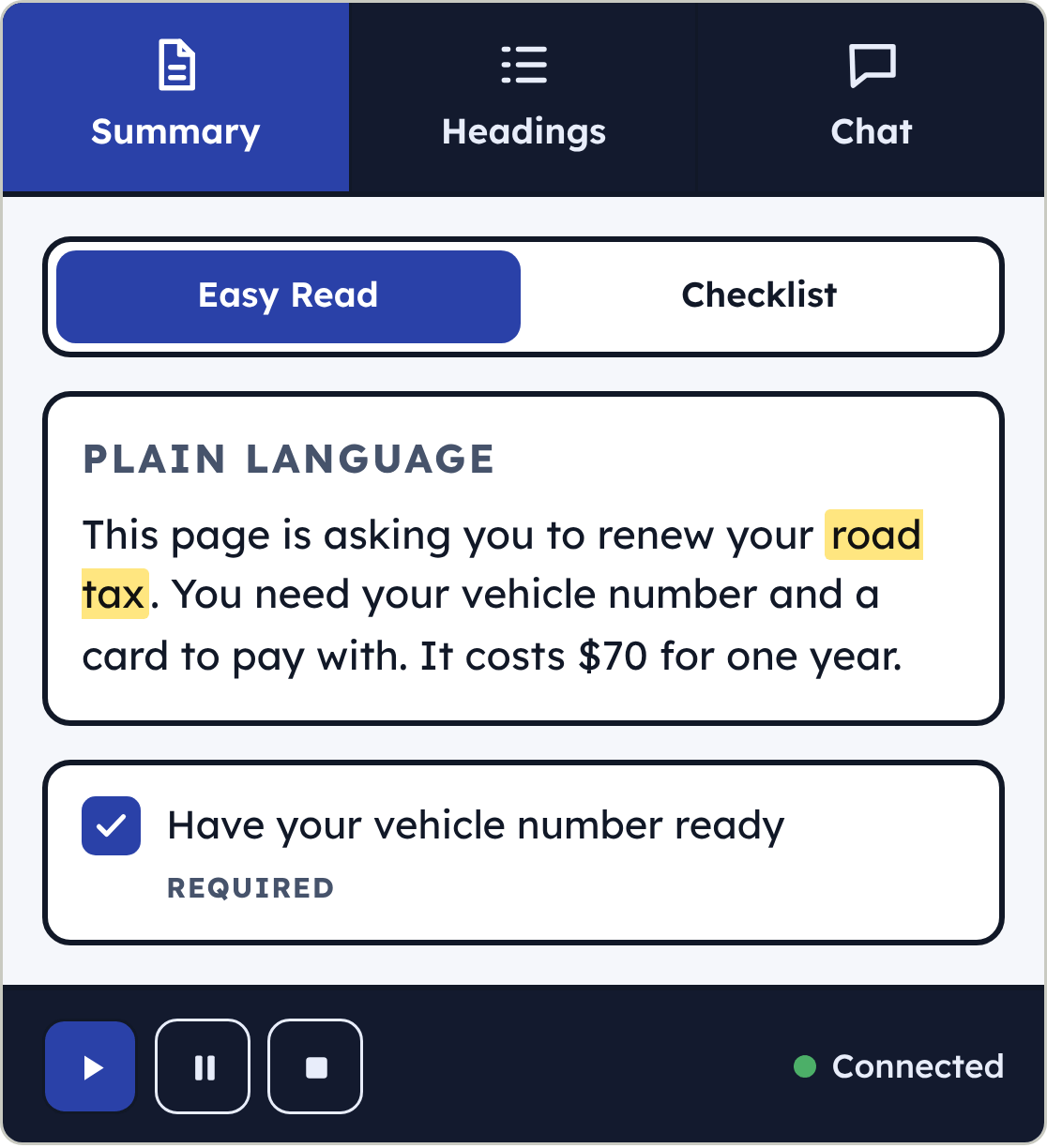
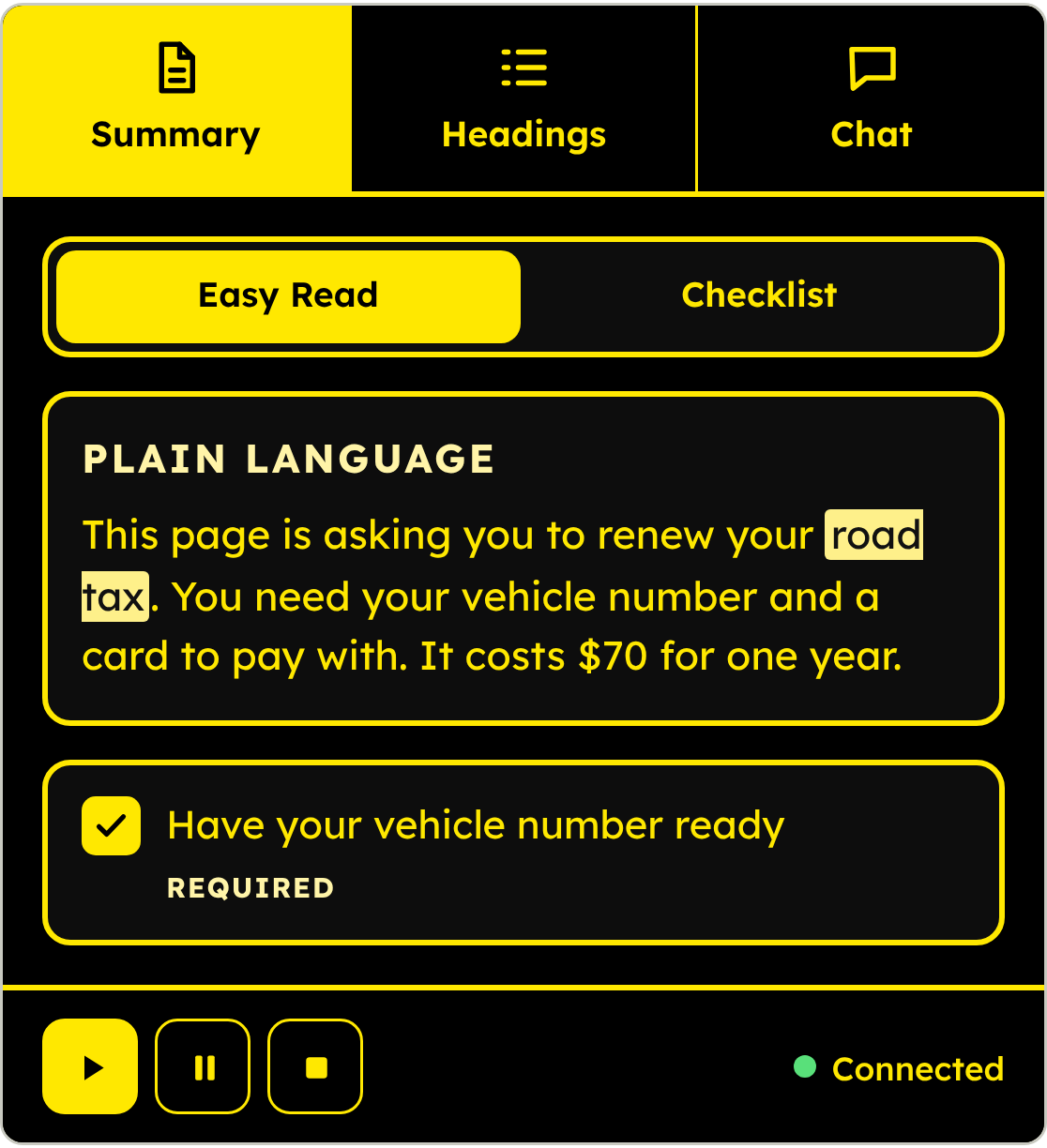
DEMO
Implementation
A Chrome extension on WXT (Manifest V3) in React and TypeScript, in four parts: the side panel for summaries, chat, guides and controls; a content script that runs inside the page for the magnifier and styling; a background worker for screenshots and translation; and an options page for onboarding.
Behind it, a FastAPI service in Python with four routes — /simplify (fetch the page, return the summary and optional checklist), /text-completion (follow-up questions), /image-caption (describe an image), /scrap (fetch and extract a public page). Text goes to OpenAI's chat models, images to a vision model. Pages are cached in Redis so the same page isn't fetched twice. Hosted on Railway.
Contributions
A working Chrome package and a demo recording, built end to end in 24 hours.
Mine: the extension itself — all four entry points, the OpenAI integration, and the hosting setup.
The team's: the backend and Firebase integration, all four languages, read-aloud and image captioning (shared); RichardTiew built the magnifier; n0nsense built the Redis caching.
Every screenshot and GIF on this page comes from the real loaded extension — live worker, real stored settings, real script on a real page — captured through Chrome's own automation interface, not from components rendered in isolation.
What I'd do differently
The hackathon setup is the first thing to replace: real user accounts instead of shared state, per-user rate limits instead of one shared budget, and a licensed translation API instead of the event's. The deeper gap is that every decision here is argued from published research and none of it was tested on a reader — so the first thing to measure is whether Easy Read and the step-by-step guide actually change how fast someone completes a real government task.
Credits and links
Repository: github.com/ChenQirui1/ieee-intuition-2026 (public)
Team: RichardTiew (magnifier), n0nsense (Redis caching), and two more on the backend, languages, read-aloud and captioning